blog 10: Emacs Org Mode
Table of Contents
- 1. Initials
- 2. What is Org Mode?
- 3. What is Org Roam
- 4. Is it good?
- 5. How you should begin with Emacs
1. Initials
As mentioned in learning doom emacs that I have started using Emacs as my primary text editor. I wanted to dedicate a separate blog regarding the same. So for starters, Emacs is, be definition, a text editor (but trust it is a complete OS in itself, yet to reach that stage). It is an advanced tool which allows you to navigate your computer files easily, document your learnings and knowledge base (Org Mode), create documents of different type, program, send email, surf internet, and most of anything you can imagine could be accomplished by following a reddit post instruction from an unknown stranger who teaches you how to attend zoom on Emacs( I am optimistic that it must be possible )
2. What is Org Mode?
Emacs has a tool called Org Mode , which doesn’t have a full form but I like to call it as Organizing mode ( as far as my use case is concerned ). This tool allows you to make to-do list, schedule deadlines, make effective notes, document any knowledge that you encounter on your journey within Internet. As of my current work flow, I use emacs to schedule any deadlines that I have to meet, any TODOs, Note making for any learning, write this blog, funsies, etcetra. I am very confident that I might not be the best person in the world to describe this application to you, but as someone who has the experience to installing it from scratch and integrating it into my daily workflow, I believe this blog can act as a trigger for a chain reaction or a rabbit hole which leads you to actually installing this piece of software, and who knows get your productivity to a next level. But for people at large, here is a video that I recommend for absolute beginners to know about what Emacs is and also a separate video on what is Org Mode.
3. What is Org Roam?
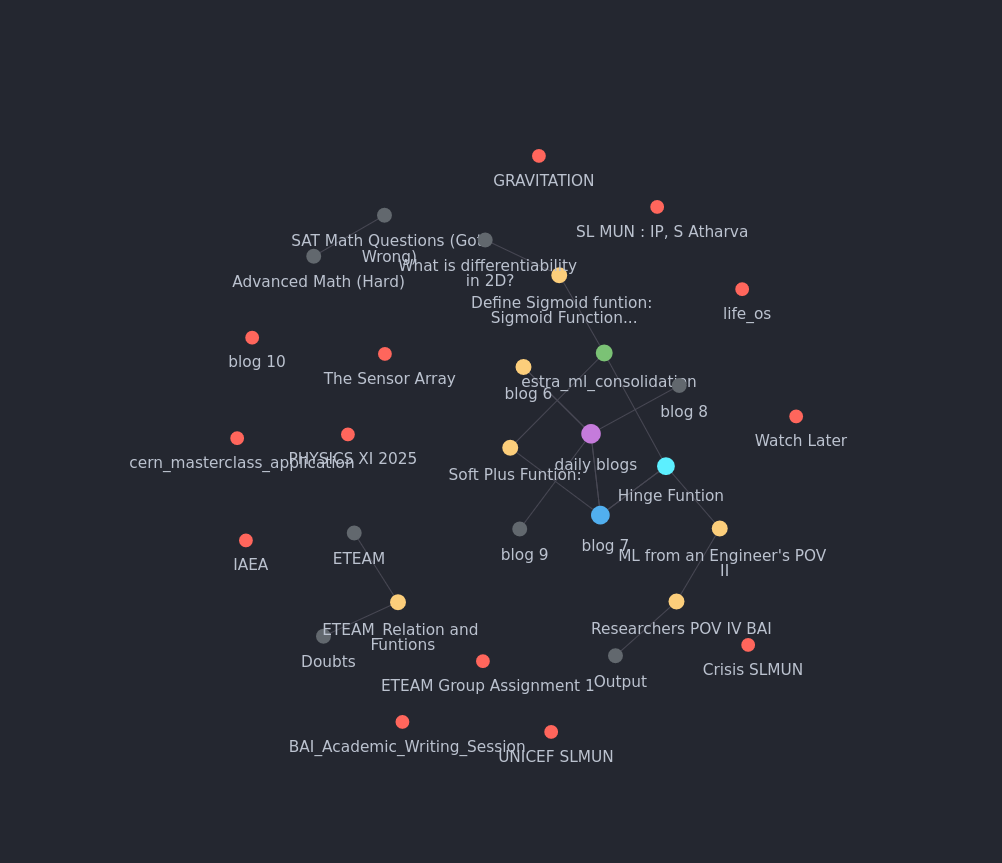
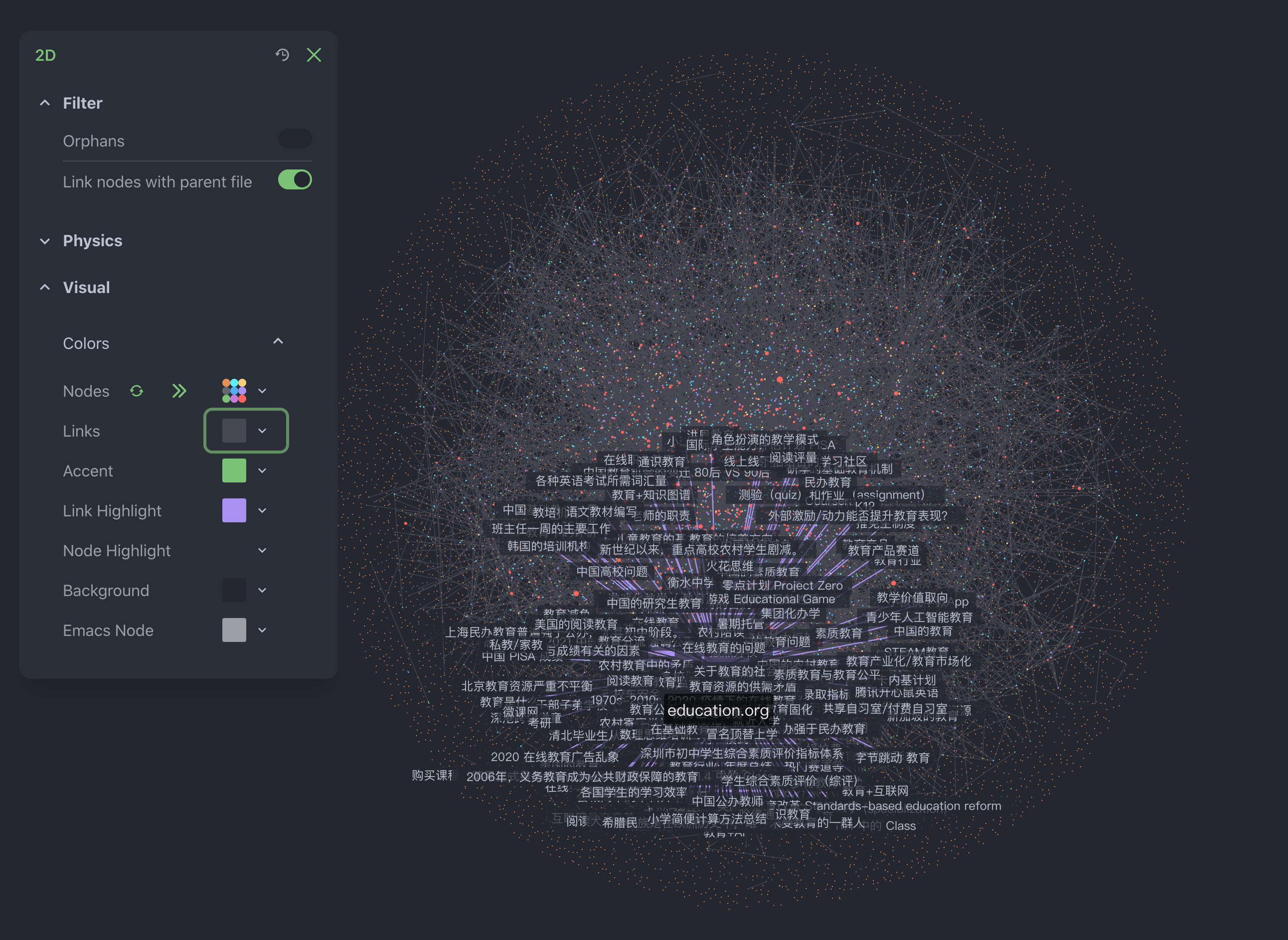
This is an extension to the Org Mode, which I have no clue of what it could be used for other then making these cool 2D/3D Node connection og all your notes in Org Mode to visualize your Notes at large, and once it become large enough, you can start calling it your second brain ( and the graph really visualizes one ). The first image is my current Second Brain in Development contrasted with a Org-Roam Node connection of someone who has used it for years.
4. Is it good?
yes.
5. How you should begin with Emacs?
Just install it. Don’t overthink this step if you are really someone who wants to learn to use it. Just watch a youtube tutorial which guides you through the installation and get started. Learn some basic keybindings which allow you to navigate to your files, create them or delete them. Now look for a tutorial on Org Mode( if that is something that you want to try out ) and start implementing that in your daily work flow, even if in small ways (everything counts). You want write an essay? Use Emacs. You want to code? Look for tutorial on how you can do so, use emacs. You want to journal or make notes?Use emacs. The use cases are infinite, but you need to figure out what specifically you need to get done with this software.
Author: S. Atharva
Created: 2025-10-07 Tue 00:32